# GoldEx

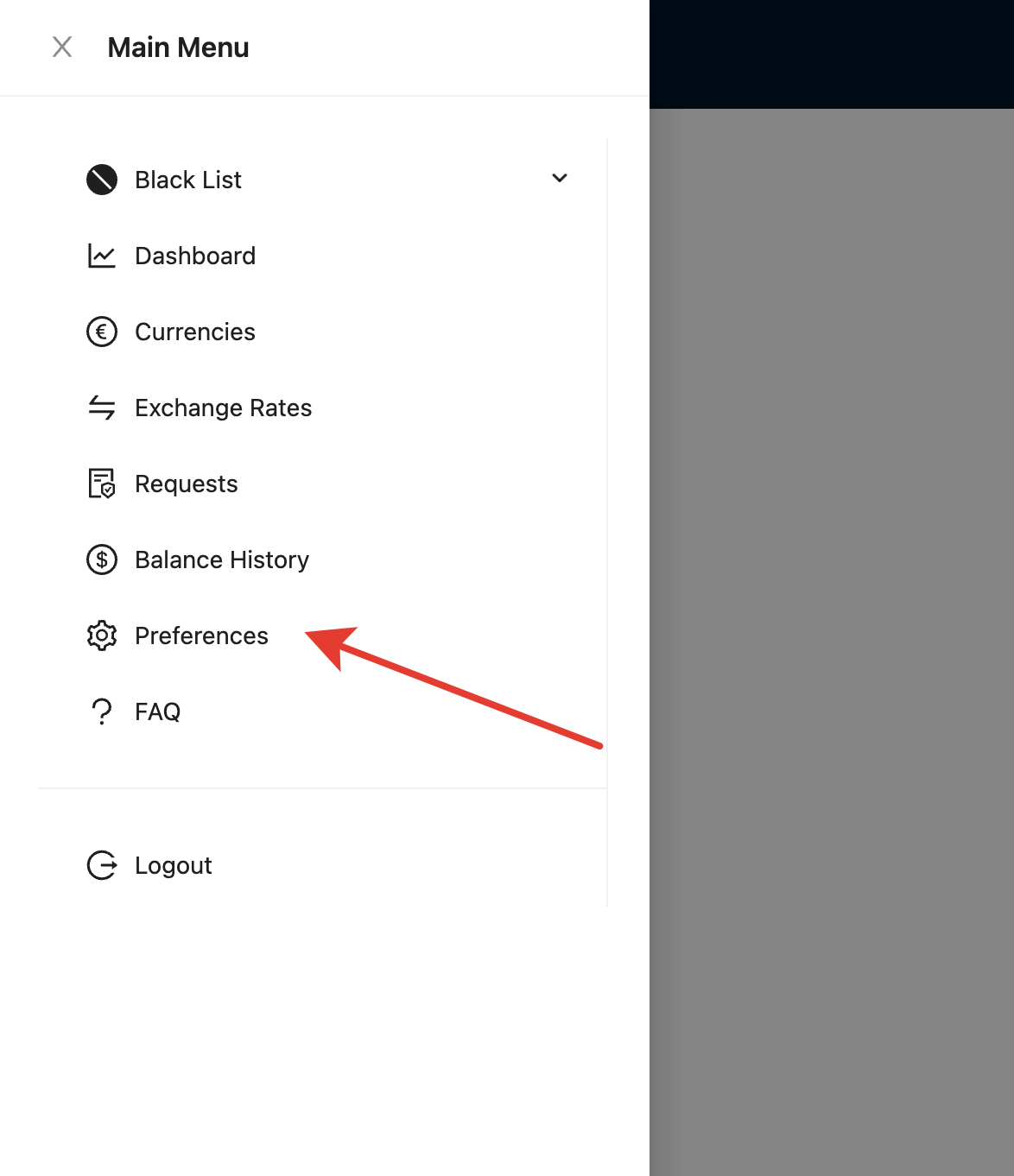
После получения доступа к личному кабинете GoldEx, нажмите на меню и перейдите в раздел **"Preferences"**

<figure><img src="/files/MLrJ5YBw1swBlQLHWEgj" alt=""><figcaption></figcaption></figure>

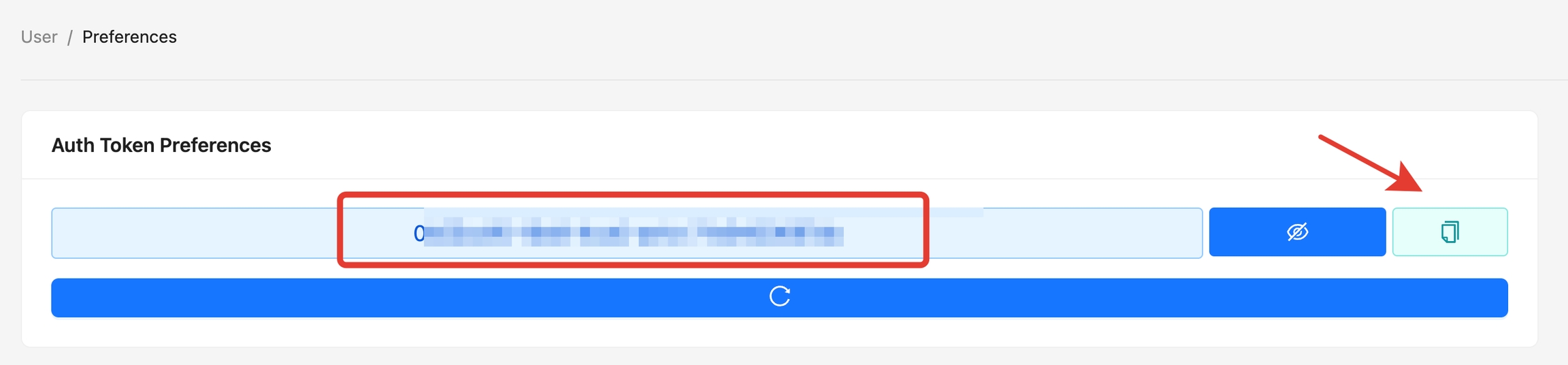
Скопируйте API ключ

<figure><img src="/files/kCT6rmBc8ONH2TyQbA4k" alt=""><figcaption></figcaption></figure>

## Настройка автовыплат

В панели управления откройте раздел **"Мерчанты и API — Список автовыплат"**, и справа в углу нажмите кнопку **"Добавить мерчант"**

<figure><img src="/files/Tqoehd7T9B3frZ9G0ZiO" alt=""><figcaption></figcaption></figure>

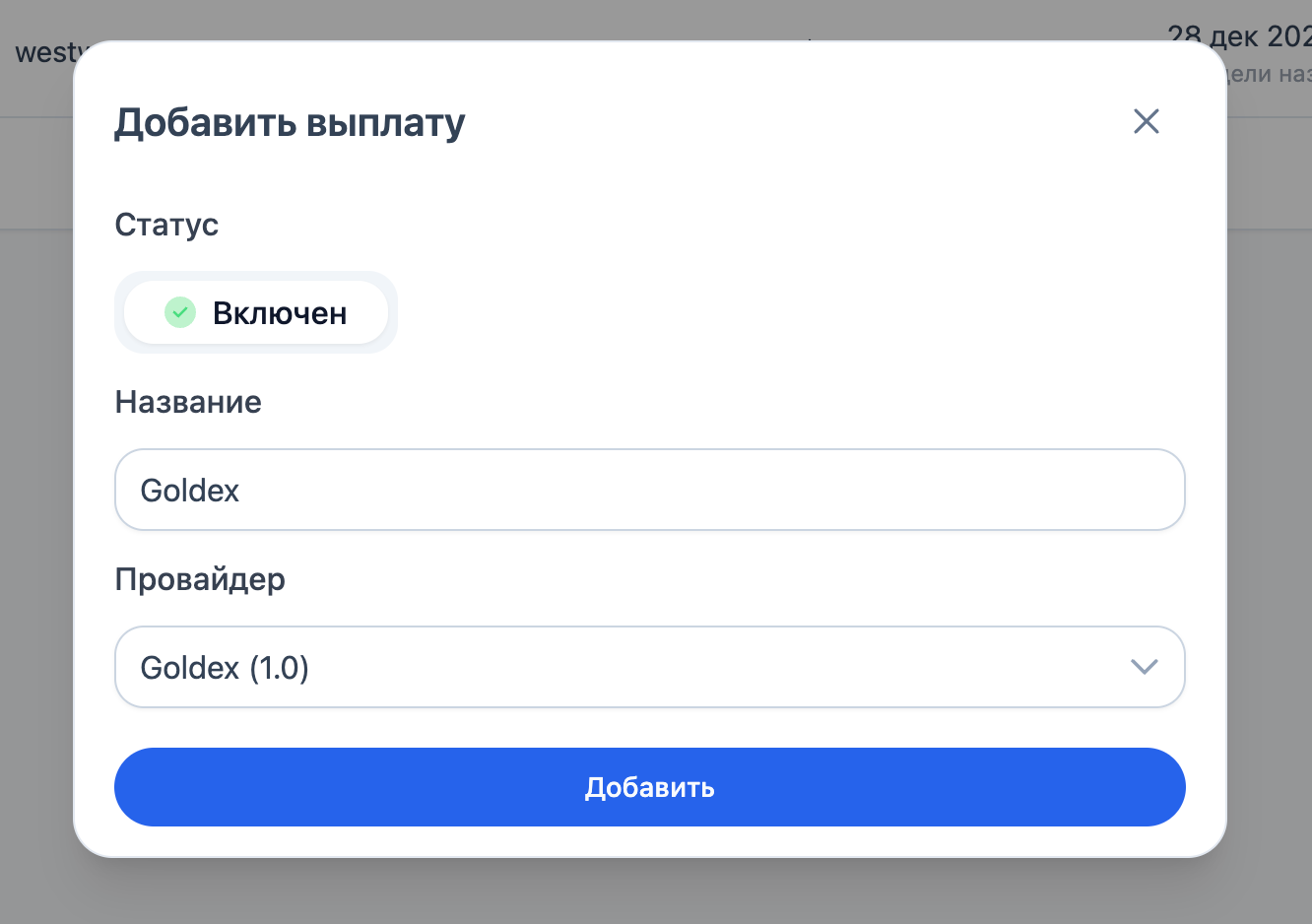
На открывшемся окне, заполните все поля:

<figure><img src="/files/jozihIQUKFxHsqb3Ehuq" alt=""><figcaption></figcaption></figure>

После заполнения всех представленных полей, нажмите кнопку **"Добавить".**

После создания, в списке выплат найдите созданный и перейдите к редактированию нажав на название

<figure><img src="/files/T6viQgGZReFDjvHJtc4r" alt=""><figcaption></figcaption></figure>

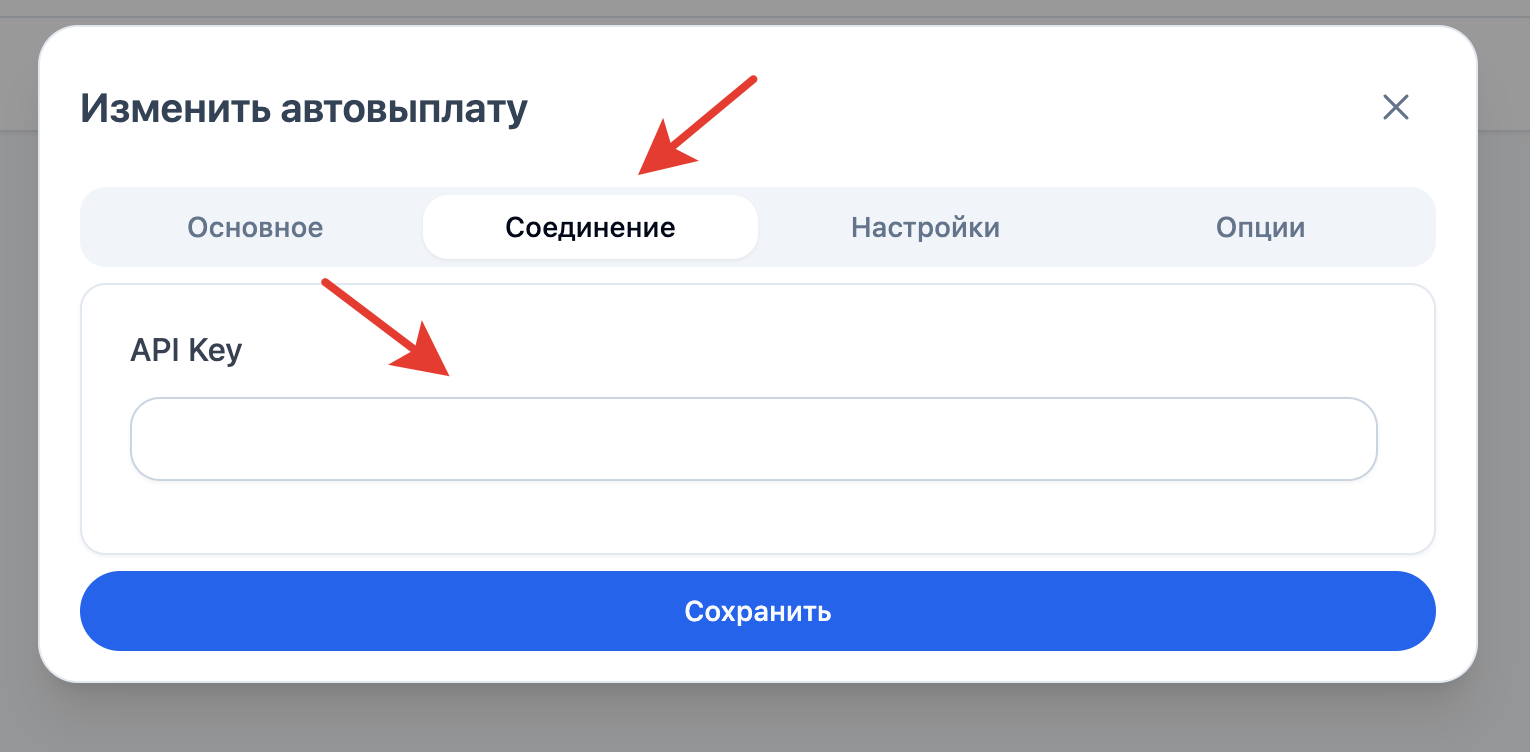
На открывшемся окне, настройте выплату

## Соединение

<figure><img src="/files/ZhpqtPR2gnX9ikBaBPAY" alt=""><figcaption></figcaption></figure>

* **API Key —** полученный в личном кабинете GoldEx

{% hint style="info" %}
Сохраните настройки и обновите страницу

И после, снова перейдите к настройкам автовыплат
{% endhint %}

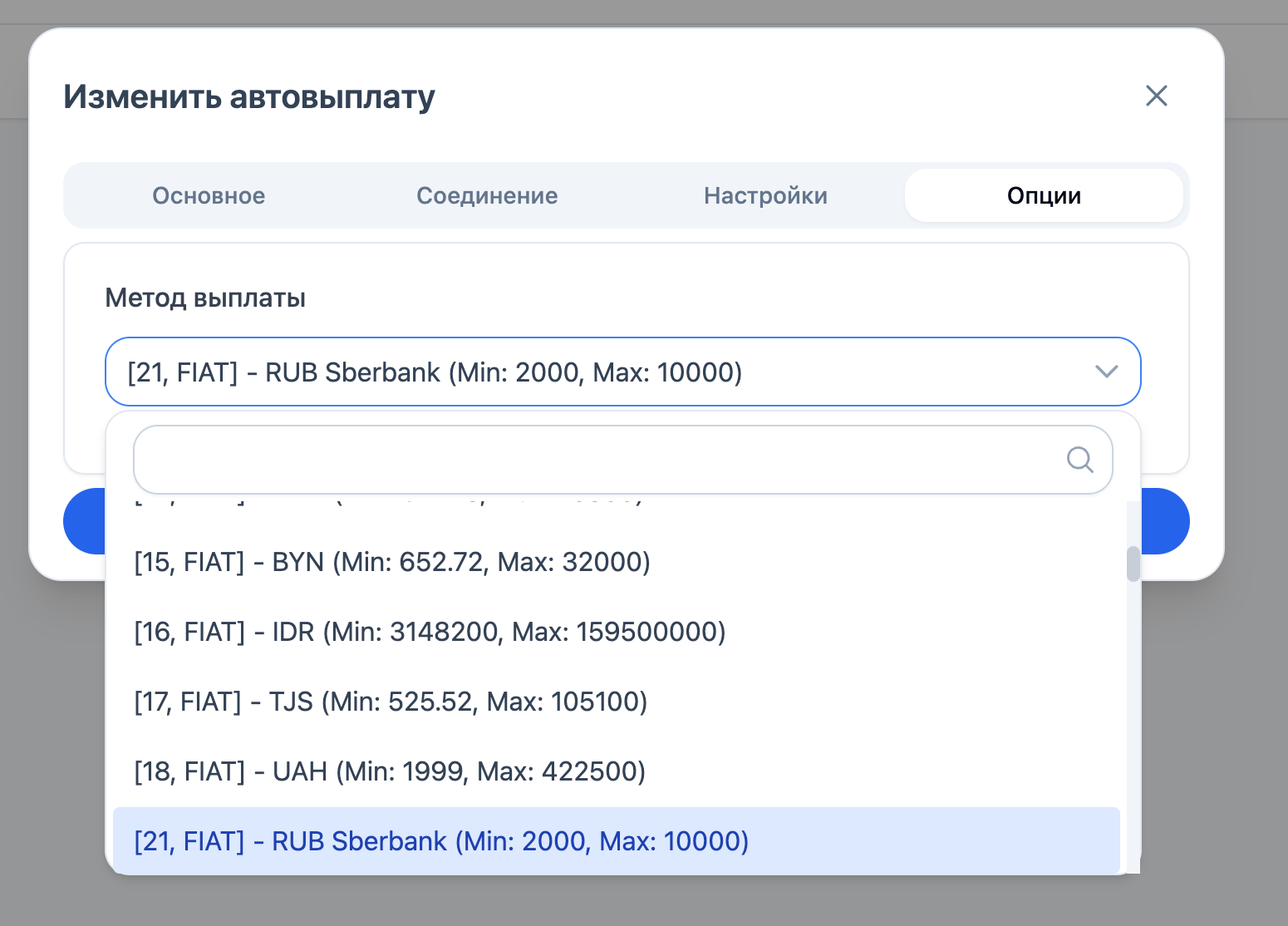
## Опции

<figure><img src="/files/1AiHrjPCZpSGTZIIRjn5" alt=""><figcaption></figcaption></figure>

* **Метод выплаты —** Выберите из списка доступный способ выплаты

## Рекомендуемые ссылки

{% content-ref url="/pages/lKDMdEc16EtQKFjtQVF8" %}
[Общие настройки автовыплат](/avtomatizaciya/merchanty-i-api/avtovyplaty/obshie-nastroiki-avtovyplat.md)
{% endcontent-ref %}


---

# Agent Instructions: Querying This Documentation

If you need additional information that is not directly available in this page, you can query the documentation dynamically by asking a question.

Perform an HTTP GET request on the current page URL with the `ask` query parameter:

```
GET https://docs.iexexchanger.com/avtomatizaciya/merchanty-i-api/avtovyplaty/goldex.md?ask=<question>
```

The question should be specific, self-contained, and written in natural language.
The response will contain a direct answer to the question and relevant excerpts and sources from the documentation.

Use this mechanism when the answer is not explicitly present in the current page, you need clarification or additional context, or you want to retrieve related documentation sections.